
Managing local SEO for one storefront is a challenge most businesses understand. You pour your energy into a single Google Business Profile, a tight set of local citations, and building a solid reputation within one community.
But what happens when your business expands to five, fifty, or even five hundred locations? The complexity doesn’t just add up; it multiplies. You're no longer just doing local SEO—you're orchestrating a massive, coordinated effort.
This is where the real work begins. It’s less about a simple checklist and more about building a robust, repeatable system. This framework has to keep your brand message consistent across every digital touchpoint while still allowing for the local flavor that makes each store feel like a genuine part of its neighborhood.
The Foundational Mindset Shift
The biggest hurdle you'll face isn't tactical; it's strategic. You have to stop thinking about individual listings and start creating a centralized system that governs them all.
This means establishing a single source of truth for all your business data—Name, Address, and Phone number (NAP), along with hours, services, and everything else. Any little deviation can confuse search engines and, worse, your customers, slowly chipping away at your local search authority.
The core principle of multi-location SEO is pretty simple when you break it down: centralize your control, but localize the experience. Your brand voice must be consistent, but the content, reviews, and community engagement have to feel authentic to each city.
Core Pillars of a Scalable Strategy
To build this kind of framework, you need to focus on several key areas that all work together. If you let one slip, it can drag the others down with it.
-
Systematized Data Management: This is all about using the right tools to manage your Google Business Profile listings in bulk. It also means pushing consistent NAP data to the major online directories and data aggregators that feed the entire local search ecosystem.
-
Templated and Localized Content: Creating a master template for your local landing pages is a huge time-saver. But a template is just the start. Each page has to be filled out with unique, hyperlocal content that proves to Google and customers that you're truly part of that local community.
-
Centralized Review Management: You can't leave reviews to chance. You need a solid process for encouraging reviews at every location and a system for responding to them quickly and on-brand.
-
Performance Monitoring and Reporting: Tracking key metrics like local pack rankings, requests for directions, and click-to-call rates for each location is vital. This also includes a new, critical step: monitoring what AI assistants are saying about your business. Misinformation from an AI can be incredibly damaging, and platforms like TrackMyBiz are essential for catching it.
Your Playbook for GBP and Citation Management
Think of your Google Business Profile (GBP) listings not as map pins, but as the digital front doors to each of your locations. For a multi-location brand, trying to manage hundreds of these doors individually is like playing whack-a-mole—you fix one problem, and another one immediately pops up somewhere else.
This is exactly why a systematic playbook isn't just a nice-to-have; it's completely non-negotiable.
Your first move? Centralize control. If you're juggling more than 10 locations, managing them one by one is a recipe for inconsistency and wasted hours. This is where Google’s location groups become your command center. By corralling all your properties into a single group, you unlock the power of bulk updates, which is an absolute game-changer for efficiency.
This whole process is about building a system that can handle the scale you're operating at.

As the infographic shows, a truly scalable strategy rests on three pillars: a solid framework, the right tech, and an operational mindset that ties it all together.
Executing Bulk GBP Updates
Let's make this real. A big national holiday is coming up. Instead of having someone manually edit the store hours for 150 different locations, you can use the bulk update feature to apply the change across your entire location group in just a few minutes. This isn't just for hours; the same workflow applies to launching a new service, refreshing business descriptions, or adding special attributes like "curbside pickup."
Here’s a practical scenario I've seen play out:
A national coffee chain wants to promote a new seasonal drink across all participating cafes. Instead of a chaotic, piecemeal rollout, the marketing team can:
- Prep the Update: They simply create a spreadsheet with the unique store codes for every location that will offer the drink.
- Add the Product: In a new column, they add the seasonal drink to the "Products" section for each of those store codes.
- Upload and Go: They upload that single sheet to their GBP dashboard, pushing the update live to all locations at once.
This simple workflow prevents that disjointed customer experience where one location is promoting the new drink while another, just down the road, seems completely unaware of it for days.
Conquering NAP Consistency and Citations
Your business information doesn't just live on Google. It's scattered across a huge ecosystem of online directories, mapping apps, and data aggregators. This is where NAP (Name, Address, Phone Number) consistency becomes absolutely mission-critical.
Even a tiny discrepancy—think "St." vs. "Street" or a missing suite number—can create confusion for search engines and slowly chip away at your local ranking authority.
The biggest silent killer of multi-location SEO is data drift. When inconsistent NAP information spreads across the web, it sends conflicting signals to Google. The algorithm starts to question the accuracy of your core business data, and that doubt can directly harm your visibility. Your best defense is a single, authoritative source of truth.
Trying to manually manage citations for hundreds of locations is a fool's errand. It's simply impossible. You need a dedicated citation management tool. Platforms like Yext, Moz Local, or BrightLocal act as that single source of truth. You enter your correct NAP data for every location one time, and the platform syndicates it across the most important data aggregators and directories.
A Real-World Citation Cleanup
I once worked with a large healthcare provider that acquired a smaller clinic with five locations. It was a mess. The old clinics had different names, old phone numbers, and outdated addresses all over the web.
- The Problem: Patients searching for the old clinic's name were getting wrong information, which led to missed appointments and a lot of frustration. More importantly, Google was getting seriously mixed signals about who owned these locations and what their correct data was.
- The Solution: The parent company used a citation management service to claim all the old, messy listings. They then pushed their new, correct NAP data through the service, which overwrote the bad information across the entire network.
- The Result: Within just a few weeks, search results started showing the correct brand name and contact details. Local pack rankings for the new brand improved, and patient confusion dropped to almost zero. That cleanup effort directly protected revenue and made the patient experience seamless.
Establishing this kind of control over your data is a foundational step. Without it, the rest of your local SEO strategy for multiple locations is built on shaky ground.
2. Creating Local Landing Pages That Actually Rank
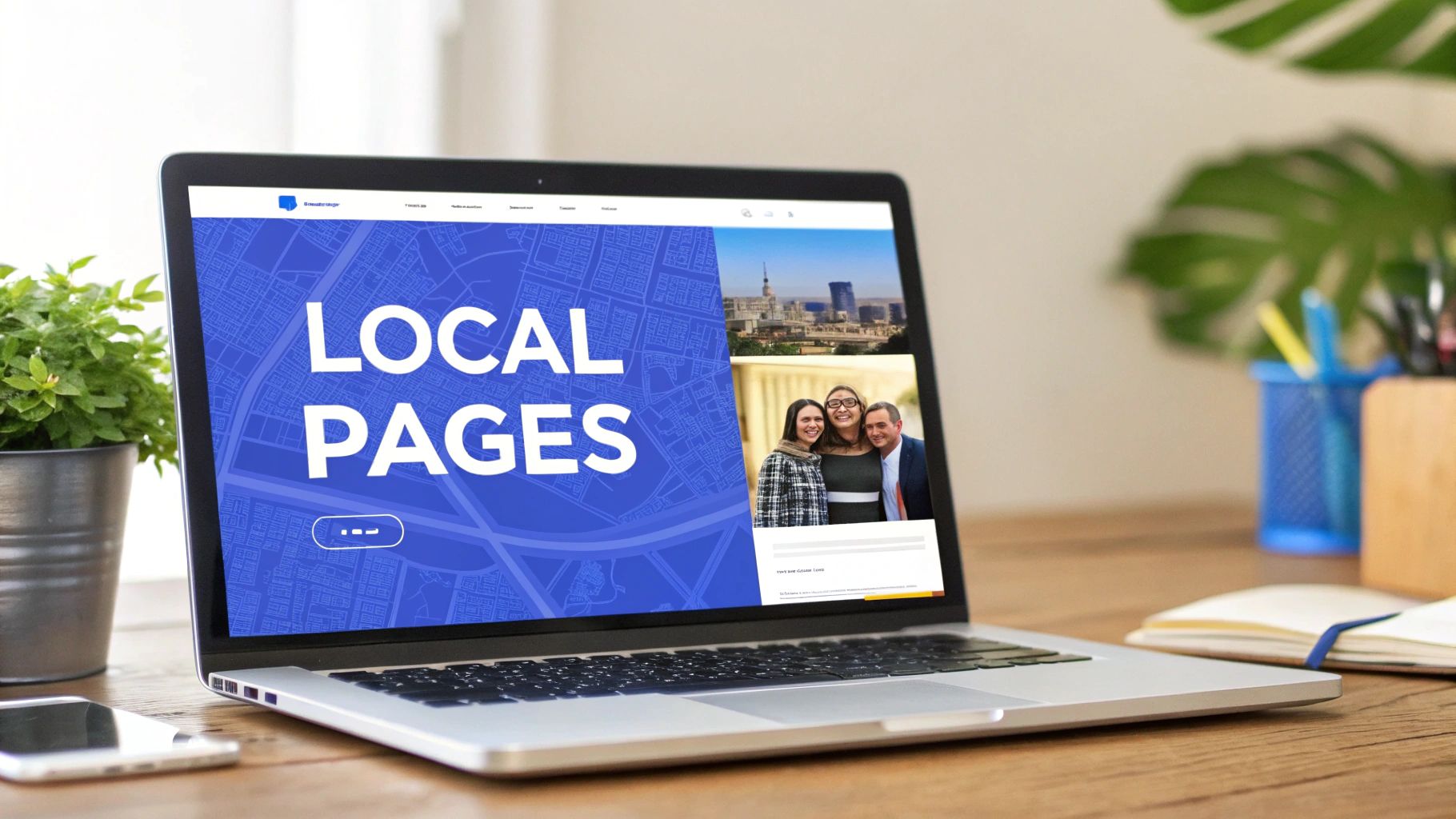
Your Google Business Profile is the signpost, but your local landing pages are the destination. This is where a local searcher decides to become a customer. For any business juggling SEO across multiple locations, building unique, high-performing pages for each storefront isn't just a good idea—it's absolutely essential.
Lots of brands make the same mistake: they just duplicate a generic corporate page and swap out the city name. That's a surefire recipe for failure. Google is more than smart enough to spot low-effort, templated content, and it won't reward you for it.
The real challenge is finding the sweet spot between scalability and genuine local flavor. The solution is a master template that keeps your brand consistent while leaving plenty of room for deep, meaningful localization. This approach saves an incredible amount of time but still gives each page the unique signals Google needs to see it as a truly relevant local result.
Building Your Master Page Template
Before you even think about writing localized copy, you need a rock-solid foundation. Your master template should lock in the consistent elements that define your brand and create a familiar experience for users, no matter which location they're looking at.
These are the core components you'll want to standardize:
- Consistent Branding: Your logo, brand colors, and core messaging should be identical everywhere.
- Standard Service/Product Descriptions: The fundamental explanation of what you offer shouldn't change.
- Global Navigation: The main website menu must be the same across all pages.
- Brand-Level Trust Signals: These are your big wins—company-wide awards, key certifications, or major media mentions that apply to the whole brand.
This structure ensures that as soon as someone lands on a page, they know it's you and can easily find their way around the rest of your site.
Weaving in Hyperlocal Content
With your template in place, the real work begins. This is where you prove to both people and search engines that each location is a legitimate part of its community. This hyperlocal content is the secret ingredient that turns a generic page into a local ranking powerhouse.
You have to think beyond just listing the address. You want to infuse each page with details that could only come from a local.
The best local pages feel like they were made by someone who actually lives and works in that city. Mentioning a nearby landmark, giving directions from a well-known intersection, or featuring photos of the actual team at that location—these are the details that scream local relevance.
For instance, imagine a multi-location dental practice. The master template would have the standard info on services like "teeth whitening" or "dental implants." But the localized content for the "Downtown Austin" page would be different. It might feature a picture of the Austin-based dentists, mention being just a few blocks from the Capitol, and showcase testimonials from patients who live right there in the city. That specificity is what makes all the difference.
Technical SEO for Local Pages
Getting the content right is only half the job. Your site's technical setup has to be built to support your multi-location strategy, making it dead simple for search engines to crawl, understand, and rank each page individually without getting confused.
URL Structure Matters
A clean, logical URL structure is your best friend here. You're aiming for a pattern that's intuitive for both humans and search engine bots. A common and highly effective approach is:
yourbrand.com/locations/city-name/
Or, if you have multiple spots in one city:
yourbrand.com/locations/city-name-neighborhood/
This kind of hierarchy clearly signals the relationship between your main brand and its individual outposts. No ambiguity.
Location-Specific Schema Markup
This part is non-negotiable. You absolutely must implement LocalBusiness schema on every single location page. This structured data is a snippet of code that speaks directly to search engines in their native language, explicitly defining all the critical information about that specific location.
For each page, your schema should uniquely identify its:
- Exact street address
- Local phone number
- Specific business hours
- Geocoordinates (latitude and longitude)
This markup helps Google pull your information correctly into the Knowledge Panel and local pack results. More importantly, it definitively tells the algorithm that yourbrand.com/locations/dallas is a totally separate entity from yourbrand.com/locations/houston. This simple action is one of the most powerful things you can do to prevent your pages from being flagged for duplicate content.
And the payoff is huge. Research shows that 76% of mobile users who make a 'near me' search visit a related business within a day. That powerful connection between precise local data and immediate customer action is what we're all after. You can dive deeper into these trends in this full local SEO statistics report.
4. A System for Acquiring and Managing Reviews
Online reviews are everything. They're a massive ranking factor, sure, but more importantly, they are the ultimate form of digital social proof. For any business juggling SEO across multiple locations, a steady stream of positive feedback isn't just a nice-to-have; it's a fundamental part of staying in business.
You absolutely cannot leave this to chance. Building a repeatable, scalable system for getting and managing reviews is what separates brands that thrive locally from those that just fade into the background.
This all starts with one simple idea: make it ridiculously easy for happy customers to share their experience. The second you make them think or work for it, you’ve lost. Don't just cross your fingers and hope they’ll find your Google listing later—guide them there right at that moment of peak satisfaction.
Proven Methods for Generating Reviews
Your approach for asking for reviews needs to hit customers from a few different angles. People have different preferences, so a mix of tactics ensures you capture feedback from everyone, wherever they are in their journey with you.
- SMS & Email Automation: As soon as a purchase is made or a service is wrapped up, trigger a review request via text or email. The timing here is critical. You want to catch them while that positive experience is still fresh in their mind.
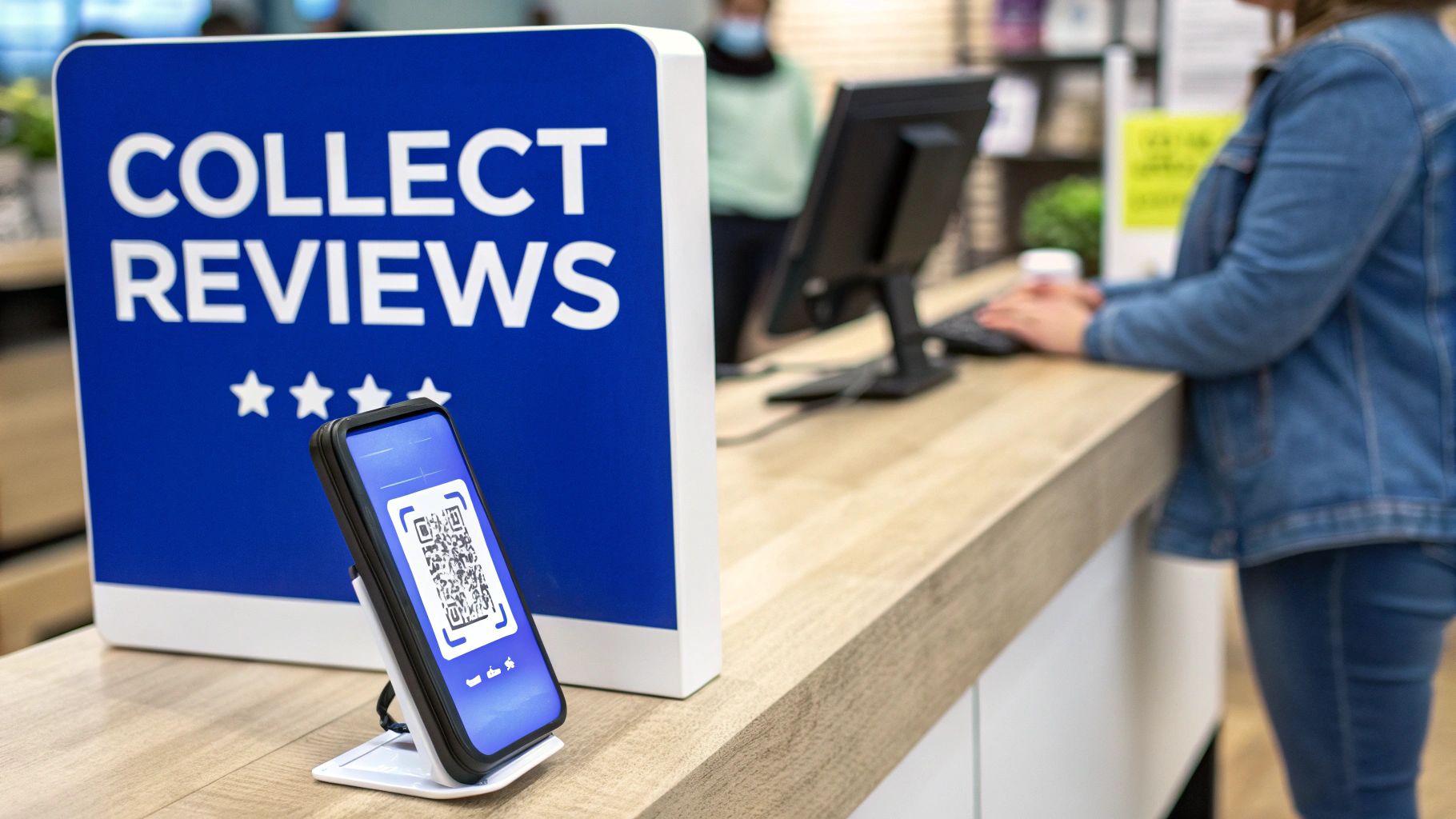
- In-Store QR Codes: This is a no-brainer. Put QR codes on receipts, stick them on the checkout counter, or use simple table tents. A quick scan takes a customer straight to the Google review form for that specific location, eliminating all the guesswork.
- Personal Asks: Never underestimate the power of a human connection. Empower your local managers and staff to make the ask in person. A simple, genuine, "Hey, we'd love to hear what you thought on Google if you have a second," can work wonders.
The real secret is consistency. Every single location has to follow the same core process for asking for feedback. This creates a predictable flow of new reviews, which is a huge signal to Google that your business is active, relevant, and trusted by the local community.
A Framework for Consistent and Localized Responses
Getting reviews is only half the job. Responding to every single one—the good, the bad, and the ugly—is how you build an unshakeable reputation. The trick is to strike a delicate balance between a consistent brand voice and an authentic, local touch.
Start by creating a set of response templates. These aren't meant to be rigid scripts. Think of them as a foundation for your local managers. They provide brand-approved language for common situations, making sure every response is professional and on-brand.
For instance, a template for a 5-star review might have a simple "thank you" and a mention of a core brand value. The local manager can then jump in and customize it by referencing the specific product the customer loved or inviting them back to see a particular team member. That’s what makes the interaction feel personal, not robotic.
Handling Negative Feedback and Gaining Insights
Negative reviews are going to happen. It's how you handle them that defines your brand. An effective multi-location strategy needs a clear escalation path for critical feedback. A one-star review about a cold coffee? The local manager can probably handle that. A serious complaint about safety or service? That should be automatically flagged for a regional or corporate response.
This ensures the big issues are tackled quickly by the right people. Even more importantly, it shows both the unhappy customer and the public that you take feedback seriously.
Beyond just putting out fires, your collection of reviews is an absolute goldmine of business intelligence. By using tools for sentiment analysis, you can spot recurring themes across all your locations. Are multiple stores getting complaints about long wait times? Is a new product getting rave reviews in one region but falling flat in another? This data gives you real, actionable insights that can drive decisions in operations, training, and marketing.
If you're looking to scale this process, you might want to see how expert AI reputation management consultants can help structure these workflows and pull out the most valuable insights.
How to Measure Multi-Location SEO Performance
You can't fix what you can't see. A multi-location SEO strategy isn't just about launching a bunch of campaigns and hoping for the best; it's about proving their value with cold, hard data. Without a solid measurement plan, you're just flying blind, completely unable to tell which locations are killing it and which ones are in desperate need of help.
The whole process starts by zeroing in on the Key Performance Indicators (KPIs) that actually matter for local search. Forget fluffy vanity metrics like overall site traffic. We need to get laser-focused on the actions that signal real-world customer intent and engagement at the store level.
Identifying Your Core Local KPIs
For any brand with more than one storefront, performance tracking has to be granular. You absolutely must be able to drill down into the data for each specific location to understand what's happening on the ground. This means ditching the single, rolled-up dashboard and building a reporting system that slices and dices data by individual location.
A massive percentage of local interactions happen directly within your Google Business Profile (GBP) listings, often before a user even thinks about clicking through to your website. This is where your primary focus should be.
These are the core metrics that paint a vivid picture of how customers are actually engaging with your business locations right from the search results:
- Local Pack Rankings: How visible are you in the Google Map Pack for your money-making keywords in each specific service area?
- Direction Requests: This is a golden metric. It’s a powerful signal that someone is planning to physically visit your location.
- Click-to-Call Rates: This tracks how many people tapped the "call" button on your GBP listing, a classic sign of high purchase intent.
- Website Clicks from GBP: Are people clicking from your local listing through to the right local landing page?
By keeping a close eye on these KPIs for every single location, you can spot outliers in a heartbeat. Is one store seeing a sudden nosedive in direction requests? Is another lagging way behind the regional average for phone calls? This is the kind of data that lets you diagnose problems early and send in the cavalry where it's needed most.
Essential KPIs for Multi-Location SEO Tracking
To get a clear, at-a-glance view of performance, organizing your metrics is key. This table outlines the most critical KPIs, the tools you'll use to track them, and a simple explanation of why each one is so important for measuring real-world success.
| KPI (Key Performance Indicator) | Primary Tracking Tool | Why It Matters |
|---|---|---|
| Local Pack Rankings | Local Rank Tracker (e.g., BrightLocal, Semrush) | Shows visibility in the most valuable local search real estate for high-intent queries. |
| GBP Direction Requests | Google Business Profile Insights | Directly measures a user's intent to physically visit a specific location. A key foot-traffic metric. |
| GBP Phone Calls | Google Business Profile Insights | A high-intent lead generation signal, indicating immediate interest in your services or products. |
| Website Clicks (from GBP) | Google Business Profile Insights | Measures how effectively your GBP listing drives traffic to your dedicated location pages. |
| Local Organic Traffic | Google Analytics 4 (GA4) | Tracks organic search visitors landing on specific location pages, indicating broader search visibility. |
| Location-Specific Conversions | Google Analytics 4 (GA4) | Measures form fills, appointment bookings, or other goals completed on individual location pages. |
Tracking these metrics consistently provides the feedback loop necessary to refine your strategy, prove ROI, and drive continuous improvement across your entire network of locations.
Building Your Multi-Location Dashboard
To keep track of all this without going crazy, you need a centralized dashboard. Tools like Google Analytics 4 (GA4) and Google Search Console are your workhorses here, but they need to be set up correctly to give you those crucial location-specific insights.
In GA4, for example, you can build custom reports that segment website traffic and conversions by landing page. If you've been smart with your URL structure (e.g., yourbrand.com/locations/city-name), it becomes dead simple to filter performance data for each local page. Search Console works similarly, letting you filter query performance by page so you can see exactly which local keywords are sending clicks to each location's page.
The real goal here is to create a single screen where you can compare the performance of your Dallas location directly against your Houston location. This side-by-side view is what unlocks strategic insights, helping you spot regional trends, shout out top-performing managers, and share what's working across the entire network.
Monitoring for AI Inconsistencies
There's a new, critical layer to performance measurement now: keeping tabs on what AI assistants are telling people about your business. When someone asks ChatGPT, Gemini, or another LLM for a recommendation, the answer it gives can directly impact your brand—for better or for worse.
These AI models are known to "hallucinate," meaning they can invent incorrect information out of thin air. We're talking wrong business hours, outdated services, or even the disastrous claim that one of your locations has permanently closed. For a multi-location brand, this is a massive risk, as a piece of misinformation about one store can quickly become a major headache.
This is where AI-powered monitoring has become non-negotiable. Specialized platforms are built to:
- Track Mentions: They systematically ask various AI models questions relevant to your business to see when and how your brand pops up.
- Analyze Sentiment: They can tell you if the AI's description of your locations is positive, neutral, or negative.
- Flag Inaccuracies: Most importantly, they check the AI's answers against your real business data to instantly flag dangerous hallucinations.
This kind of proactive monitoring means you can spot and fix data problems before they cost you customers and revenue. It’s the 2024 version of managing your online citations, but for the new age of AI-driven search. Of course, knowing what the AI says about your competition is just as vital; check out our guide on the top competitor AI analysis tools to get the full picture. If you don't have this visibility, you're missing a huge and growing piece of your brand's digital footprint.
Common Questions About Multi-Location SEO
When you start managing SEO for a handful of locations, a few nagging questions always seem to pop up. Get these wrong, and you could be creating massive headaches for yourself down the road. Let's tackle some of the most common hurdles brands face when scaling their local presence.
The big one is always content. How on earth do you create dozens, or even hundreds, of location pages without Google flagging them as lazy, duplicate content?
How Do I Avoid Duplicate Content with Many Location Pages?
The fear of duplicate content is real, but the solution is simpler than you think: focus on making each page genuinely useful and unique to its specific location.
Yes, you should absolutely use a template for brand consistency and efficiency. That’s smart. But the content inside that template needs to be hyper-local. We're talking about more than just swapping out the city name in the H1 tag.
To make every page stand on its own, make sure you include:
- Truly Localized Descriptions: Don't just say you're in Boston. Mention being "just a short walk from Fenway Park" or reference well-known local neighborhoods. Connect your services to the community.
- Authentic Photos: This is a non-negotiable. Use real, high-quality photos of that specific storefront, the team that works there, and the interior. Stock photos scream "we didn't even try."
- Location-Specific Testimonials: Pull in reviews and testimonials from customers in that city. This hyperlocal social proof is incredibly powerful for both users and search engines.
And the most critical piece of the puzzle: every single page must have its own LocalBusiness schema with a unique address, phone number, and geocoordinates. This is you telling Google directly, "Hey, these are distinct, legitimate business locations, not copies."
What Is the Best Way to Manage 100+ GBP Listings?
Trying to manage a handful of Google Business Profile (GBP) listings by hand is one thing. But once you hit 10 locations, it starts to get messy. At 100+, it's simply impossible to do well without proper tooling.
Google’s built-in "location groups" are a good start for basic organization, but they barely scratch the surface of what you need at scale. This is where third-party GBP management platforms become essential. They're built for the specific challenges of multi-location brands and offer features like:
- Bulk Post Scheduling: Plan and push out Google Posts across hundreds of profiles in minutes, not days.
- Unified Review Dashboards: See and respond to reviews from all your locations in one feed. No more logging in and out of different accounts.
- Q&A Monitoring: Get instant alerts when a customer asks a question on any listing, so you can provide a quick, on-brand answer before someone else does.
Investing in a proper management tool isn't a luxury; it's an operational requirement. The time saved and the brand consistency gained provide an immediate return, preventing the data drift that can quietly sabotage your local SEO for multiple locations.
Should I Use One Main Phone Number or Local Numbers?
Always, always, always use unique, local phone numbers for each location. Period.
Using a single, centralized 1-800 number across all your GBP listings and local citations is a critical mistake that I see far too often. Local phone numbers are a foundational element of NAP (Name, Address, Phone Number) consistency—a massive trust signal for search engines. A local area code instantly reinforces a location's tie to its community, both for Google's algorithms and for the actual humans looking for your business.
Sure, you can list your toll-free number on your main corporate "Contact Us" page as a secondary option. But it should never be the primary number on a specific location's page or GBP listing. That spot is reserved for the direct, local line. This simple rule prevents a world of confusion and ensures each of your locations can build its own distinct authority.
Are you tracking what AI assistants are telling customers about your business? Incorrect hours, false "permanently closed" claims, and competitor recommendations can cost you revenue. TrackMyBiz is the only platform that monitors what AI like ChatGPT and Gemini are saying about your brand, flagging dangerous hallucinations before they do damage. Start your free scan today at https://trackmybusiness.ai.
